← Closing the loop on data quality
Bringing suppliers into the correction workflow
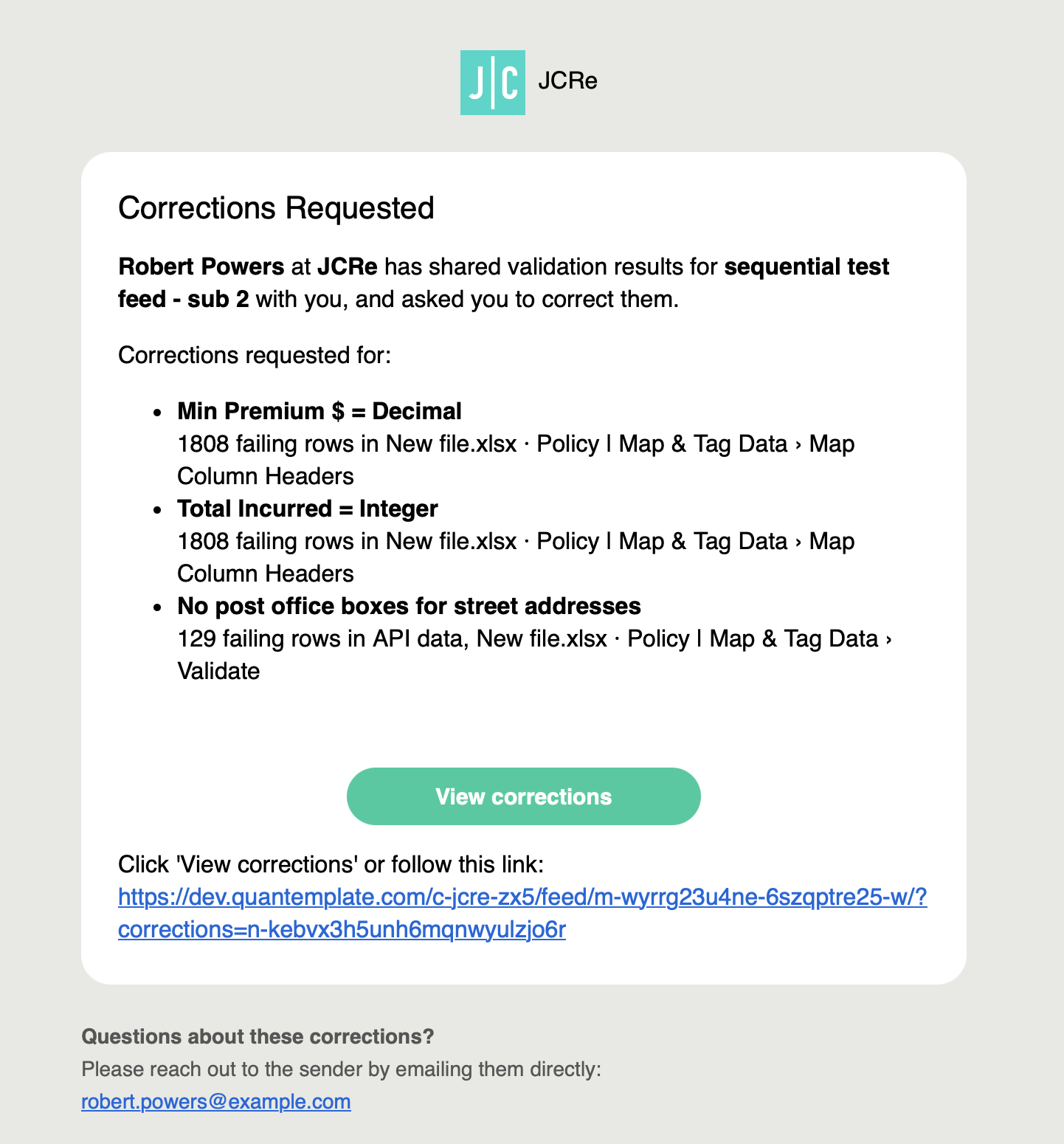
Part of the Validation case study: sharing selected results with suppliers, so they can prepare and submit corrections within Quantemplate.
Problem
Clients were downloading failed rows and emailing them to suppliers to request corrections. We extended the correction workflow through Feeds, so clients could share selected validation results and suppliers could prepare and submit corrections within Quantemplate. This has now shipped in a limited beta.
Results were siloed in Quantemplate Evidence
When we spoke to clients at the management level, they wanted to play their validation reports back to their suppliers, to inform them of their data quality performance. Currently they did this by downloading failed rows and emailing them, which was a slow process. We spotted an opportunity for value-add here: show suppliers validation results and ask them for corrections.
Evidence
- Clients’ management-level users had objectives to improve the quality coming from their suppliers.
- IT teams asked for an API to access validation results, to build their own feedback rig.
Approach
Framing · Strategic decision
Client feedback
‘Give us an API so we can build our own validation feedback rig’
Strategic decision
Bringing the feedback workflow into Quantemplate would let business users request and manage supplier corrections without needing their IT team to build and maintain a separate system. It would also keep results and corrections connected in one auditable workflow, increasing the product’s value and supporting retention.
Design decisions

Choose what to share Evidence
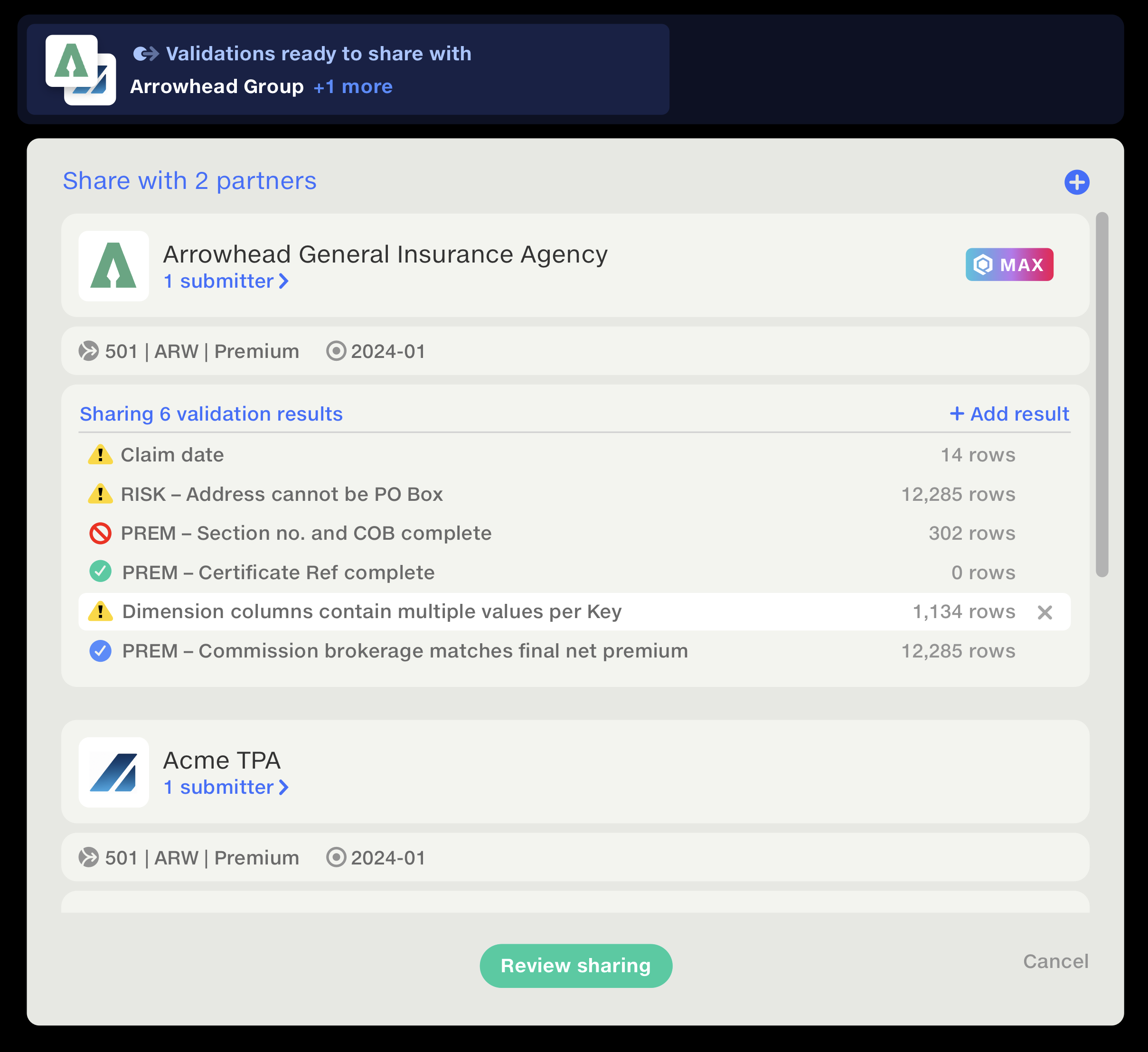
Clients select the validation results, organisations and people to include, then review the selection before sharing.
Evidence
Clients told us they wanted to share their results but were concerned about sharing proprietary data. We addressed this by allowing them to select specific rules to share.
Submit only when ready Design exploration
I separated preparing corrections from submitting them. A ‘Corrections pending’ indicator makes the outstanding changes visible, with an explicit Submit action to pass them back when ready.
Design exploration
Exploring the handoff revealed a risk: sending every edit immediately could expose unfinished corrections to the receiver and trigger pipeline runs. I separated preparation from submission, giving suppliers time to check their changes before passing them back.
Give both parties the same measure of progress Design exploration
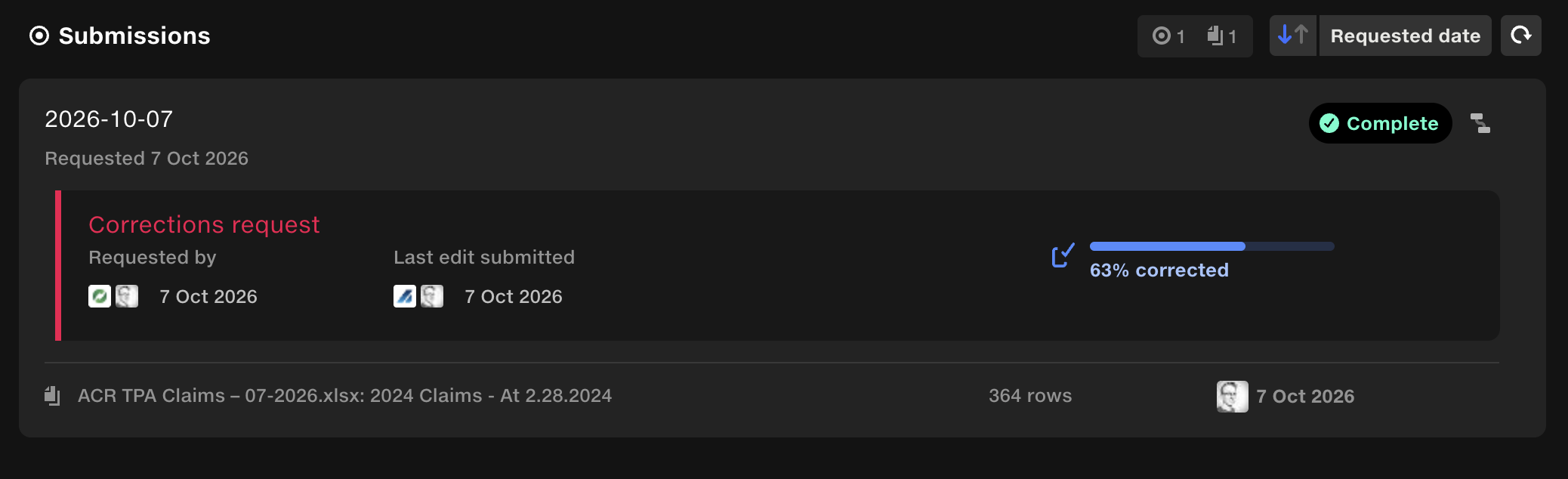
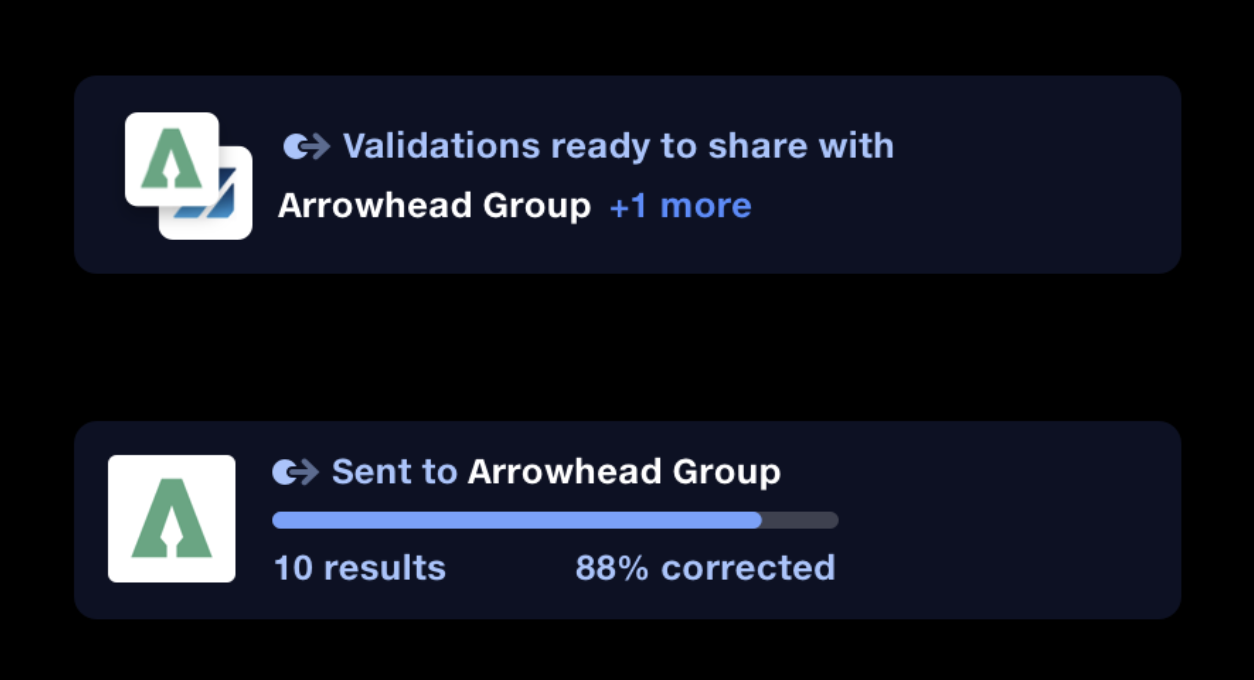
A supplier may only be asked to address some of a dataset’s validations. Measuring progress across the entire dataset could include validations they weren’t asked to correct. I chose to measure progress against the shared validations, so requester and supplier would see the same percentage and have a consistent understanding of what remained.
Design exploration
Not every failure needed correcting, so I explored tracking only checks users had started working on. But starting another check added all its failures to the total, making progress appear to drop.
I kept it simple: show how many corrections had been requested and how many were complete.
Outcome
Supplier sharing is now in limited beta; we don’t yet have usage results or client feedback.